Connect your AI
Ask your own AI about your portfolio.
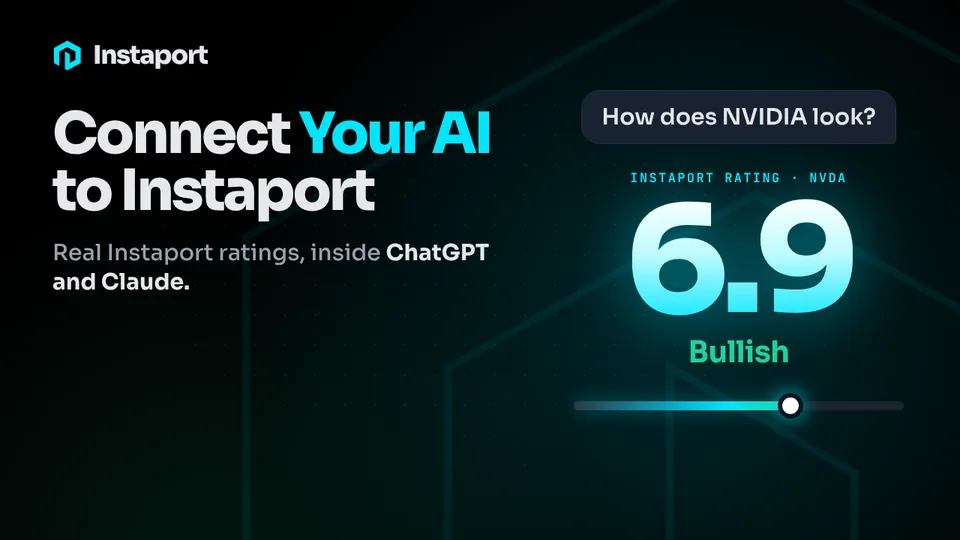
Connect ChatGPT, Claude, Muse, Grok or another assistant to your Instaport portfolio and ask in your own words. Answers come from what you actually own: stocks, funds, options and crypto.
- ChatGPT, Claude, Muse, Grok and more
- Read-only, always
- You choose what it can see
No credit card30 days of Pro free
Ask about your portfolio in your AI
“What’s lifting my portfolio today?”




See it answer a real question.
Example question and answer
You ask
“Which of my holdings is lifting my Instaport Rating the most?”
Your AI answers, from your Instaport data
Mastercard (MA) rates 8.2 · Bullish. Your portfolio rates 6.7 · Bullish.
Your assistant, now with your portfolio.
In the assistant you already use
Find Instaport in the ChatGPT plugin directory or the Claude connector directory, or add it to Grok and other compatible assistants as a custom connector.
Answers from what you own
Ask about a holding, your exposure or what changed, and the answer comes from your actual Instaport portfolio.
You stay in control
You choose which portfolio data and accounts it can read. The connection is read-only, and you can disconnect any time.
Never be the last to know
Ask your assistant what changed in your portfolio today and get an answer from what you actually own, in seconds.
Hours and days of research in minutes
Your stocks, funds, options and crypto, their ratings, options data and the signals on every stock you own, ready for the AI you already use. Ask once instead of searching five websites.
Invest with confidence
Plain-English answers about your own portfolio, so you know what you own and why.
Questions people ask about connecting their AI.
Can I connect ChatGPT, Claude or another AI assistant to my Instaport portfolio?
Yes, with Pro. In ChatGPT, find Instaport in the plugin directory, select Install plugin, then connect your Instaport account. The ChatGPT plugin is available in the United States. In Claude, find Instaport in the connector directory and click Connect. In Grok and other compatible assistants, add mcp.instaport.ai/mcp as a custom connector. The Muse connector is under review. You sign in to Instaport, choose what your assistant can see, and approve. You can disconnect any time from Settings.
Which AI assistants work with Instaport?
ChatGPT, Claude, Grok and other compatible assistants and AI agents, through Instaport’s secure, read-only connection, and Muse is on the way. You connect once, then ask about your portfolio in your own words.
Why connect my AI to Instaport instead of just asking it?
On its own, your assistant doesn’t know what you own and has to guess from whatever it finds on the web. Connected to Instaport, it answers from your actual stocks, funds, options and crypto, using their Instaport Ratings and live market data, so you get a real answer about your portfolio in seconds.
What can I ask my AI about my portfolio?
Anything about what you own, in your own words. What’s lifting my portfolio today? Which of my holdings has the strongest Instaport Rating? Which stocks I own are Congress, top funds or insiders buying? It answers from your own stocks, funds, options and crypto.
What can my AI assistant see, and can I turn it off?
Only what you approve. You choose which portfolio data and accounts it can read, and dollar values need a separate permission. The connection is read-only, so it can’t place trades or move money. Disconnect any time in Settings, under MCP connections, and its access stops.
Can my AI assistant trade for me?
No. The connection is read-only. Your assistant can read what you approve, and it can never place a trade or move money.
Power your portfolio with AI.
Know what’s moving your investments in minutes, so you can invest better.
Sign up freeNo credit card30 days of Pro free
Information and analytics, not investment advice.